Every pour the size you costed
The scale measures each pour as it is made, so the fortieth drink of the night is the one you priced — not a little more.
For restaurants
 New The free Solo app is on the App Store→
Most bars pour the drinks their team knows by heart. Here guests browse 500+ on their own phone, find the one that is theirs, and whoever is on tonight makes it right.
Book a walkthrough See what changes
01 · The list
A cocktail list is usually the fifteen drinks the bar can make without looking anything up. Not because guests want fifteen — because a list longer than the team's memory means drinks made wrong, or not at all.
15 cocktails — the ones the team knows by heart.
One dot, one cocktail. The full catalog is 500+; you choose which of them your bar offers.
02 · Find yours
A long list is only a gift if nobody has to read all of it. On their phone, guests tap Help me choose: how strong, what they like, which spirit — and which one never. Try it.

01How strong?
02What do you like?
03Which spirit — or never which?
12 drinks to choose from
 NegroniBitter · Strong
 Old FashionedRich · Strong
 ManhattanBitter · Strong
 MargaritaCitrus · Medium
 MojitoMint · Light
 DaiquiriCitrus · Medium
 Moscow MuleGinger · Light
 Mint JulepMint · Strong
 Espresso MartiniCoffee · Medium
 CosmopolitanTart · Medium
 Mai TaiTropical · Medium
 Whiskey SourTart · Medium
Twelve here to play with. On your menu it filters your whole list, in the guest's language — English, Spanish, French, German and more — and only shows what the bar can make right now.
03 · The order
Nobody has to catch a server's eye, and nobody pays at the table. The order prints at the bar, someone is told, and the drink goes on the table's bill like any other round.
The Staff app
The order goes from the table to the wrist of whoever is on, and they know before the ticket is even cold. Every screen here is the real app.
 SmartBarIQ Staff
New order #41 · Room 214Amaretto Sour

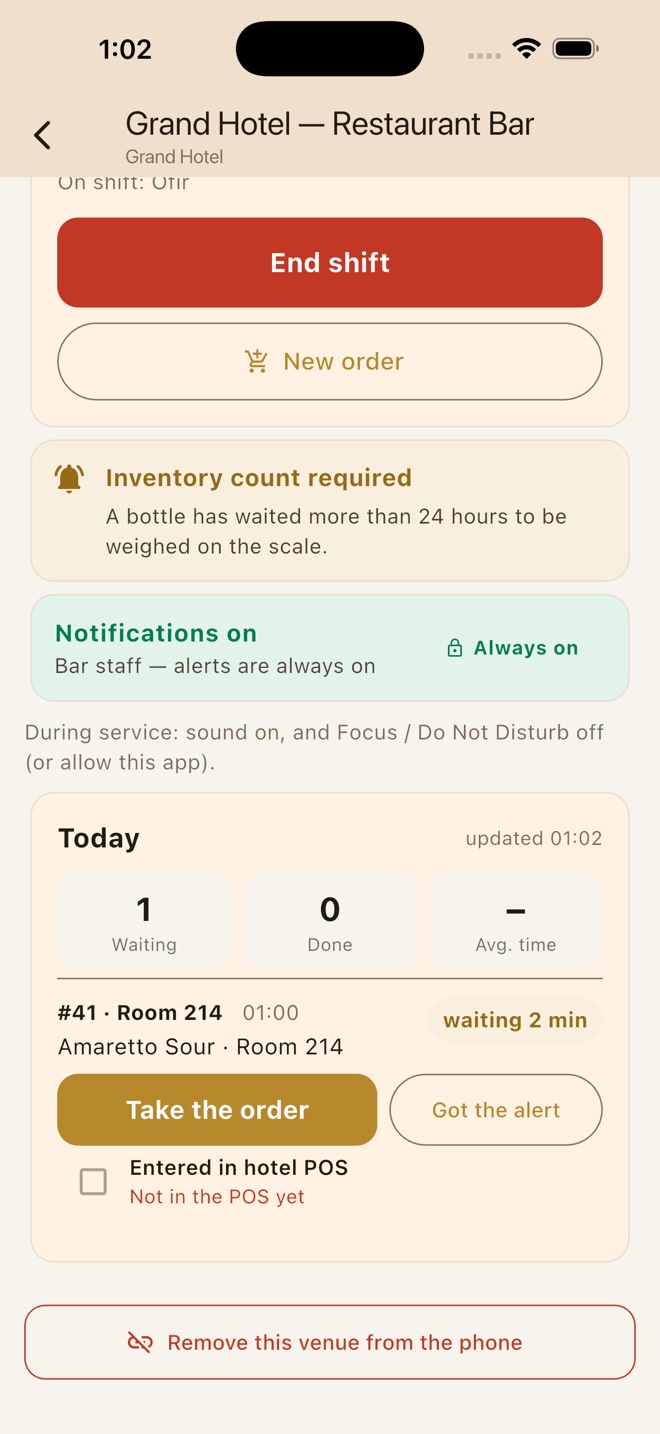 SmartBarIQ Staff · nowNew order #41 · Room 214Amaretto Sour
The Staff app runs on iPhone and Android. Its alerts show on the watch paired with the phone.
04 · Who makes it
The screen shows the next step and the scale under the glass watches the pour. The list stops depending on who is working.
A server, between tables. Every step is on the screen and the scale says when to stop. They make the drink your bar manager signed off, not their best guess.
Simulation · Gin & Tonic
Full screenThe unit from the CAD model and the steps the screen runs today. Turn the unit in 3D
05 · The margin
Drinks are where a restaurant's margin is. A guest who finds a drink they love orders a second one; a pour measured on the scale is the pour you priced.
The scale measures each pour as it is made, so the fortieth drink of the night is the one you priced — not a little more.
What was poured comes off the count as it is poured. Pour cost is a number you read, not a Sunday-night stocktake.
It watches what is actually selling and tells you what to buy — so a cocktail is not off the menu on your best night.
Illustrations, not figures from a customer.
Before you decide
Your setup
Your team
Your guests
There is nothing to integrate and no IT project. Drinks go on the bill in your POS the way they do today.
In a restaurant the phone is for choosing and ordering, not paying. The round lands on the table's bill and the table settles up at the end, the way it does today.
The unit sits on the bar. No plumbing, no install day, nothing built in.
Nobody writes a drink order down, carries it to the bar or remembers a recipe. The order prints; the screen shows the drink.
The recipe is on screen while they work and the scale shows the pour as it happens. New staff serve on their first night, without a classroom.
The menu opens in the browser. No app to download, no account, no email.
The menu shows only what the bar can make right now. As a bottle runs out, the drinks that need it come off — instead of being ordered and apologised for.
Ordering closes itself when nobody is on shift or the unit is offline, and the guest is told when it opens again. Better to close the service and say so than take an order nobody can make.
Drinks land in the bar's queue in the order they were placed, each with its table number. The kitchen carries on exactly as it does today.
SmartBarIQ supports multiple languages, including English, Spanish, French and German, so a visitor can order without guessing at the menu.
Guests see the table, the glass and the person who brought it. The system is the part nobody notices — your servers still serve.
It depends on how many bars you run and how you serve. We walk through your room, then send a price for it — no commitment to look.
New on the App Store · Free
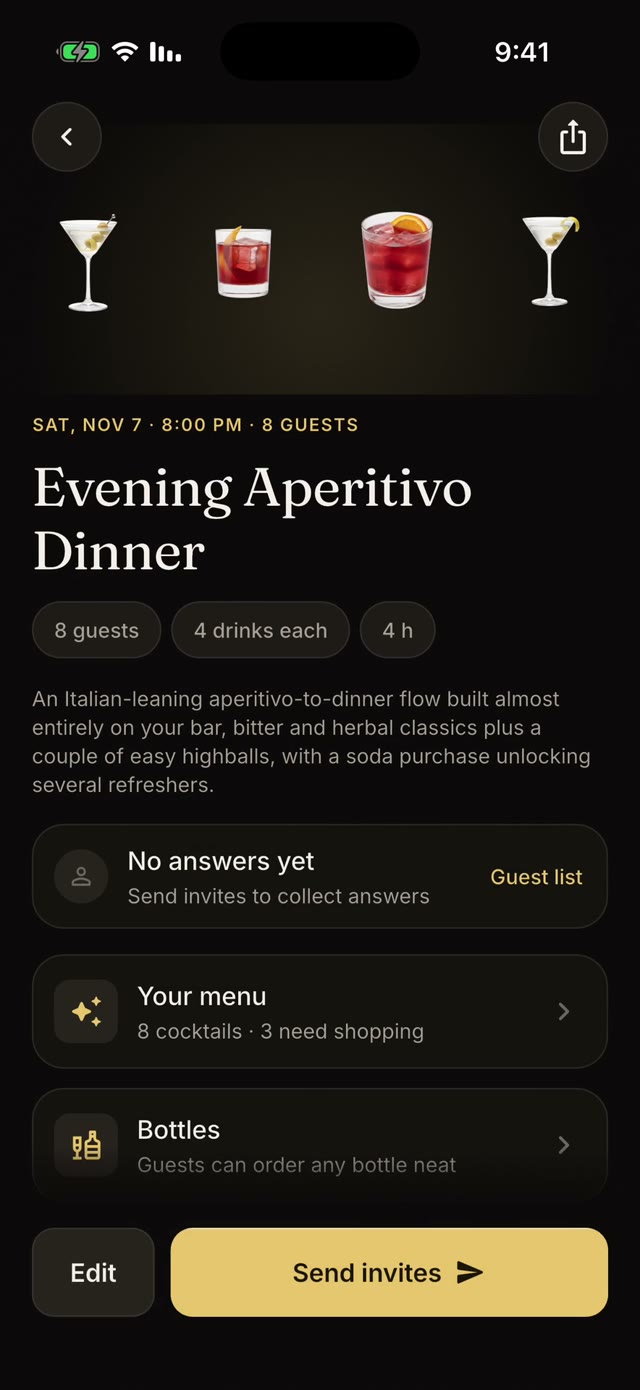
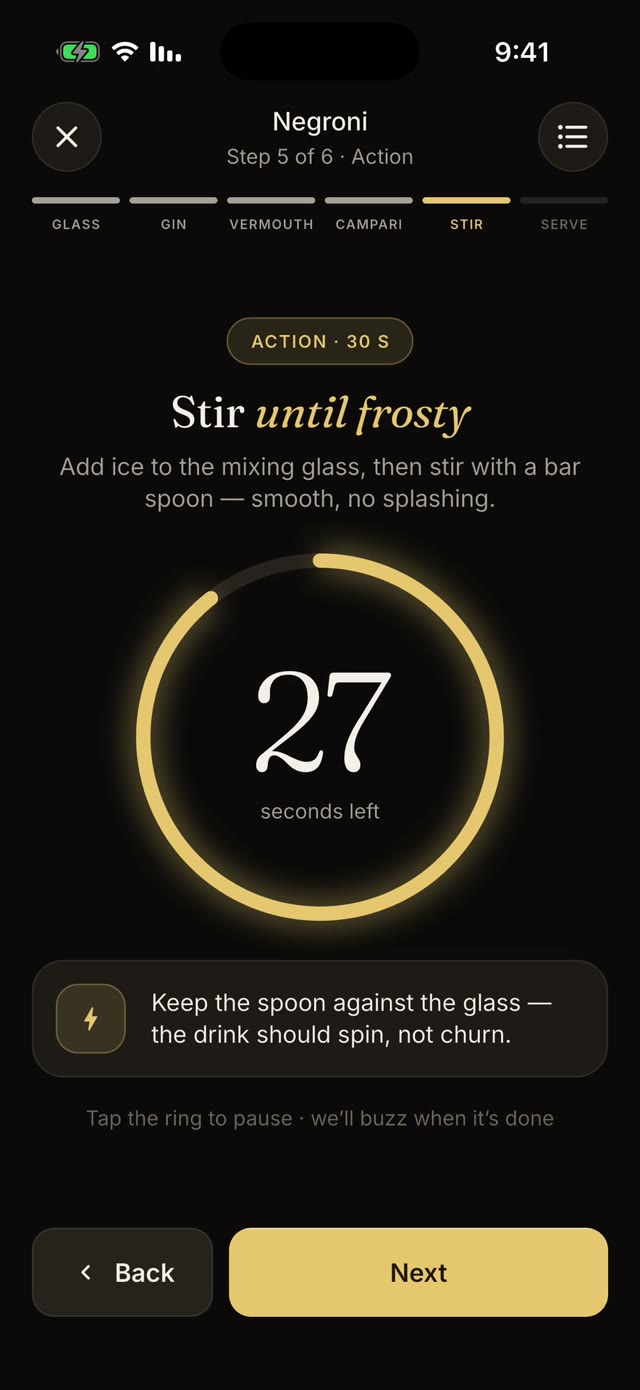
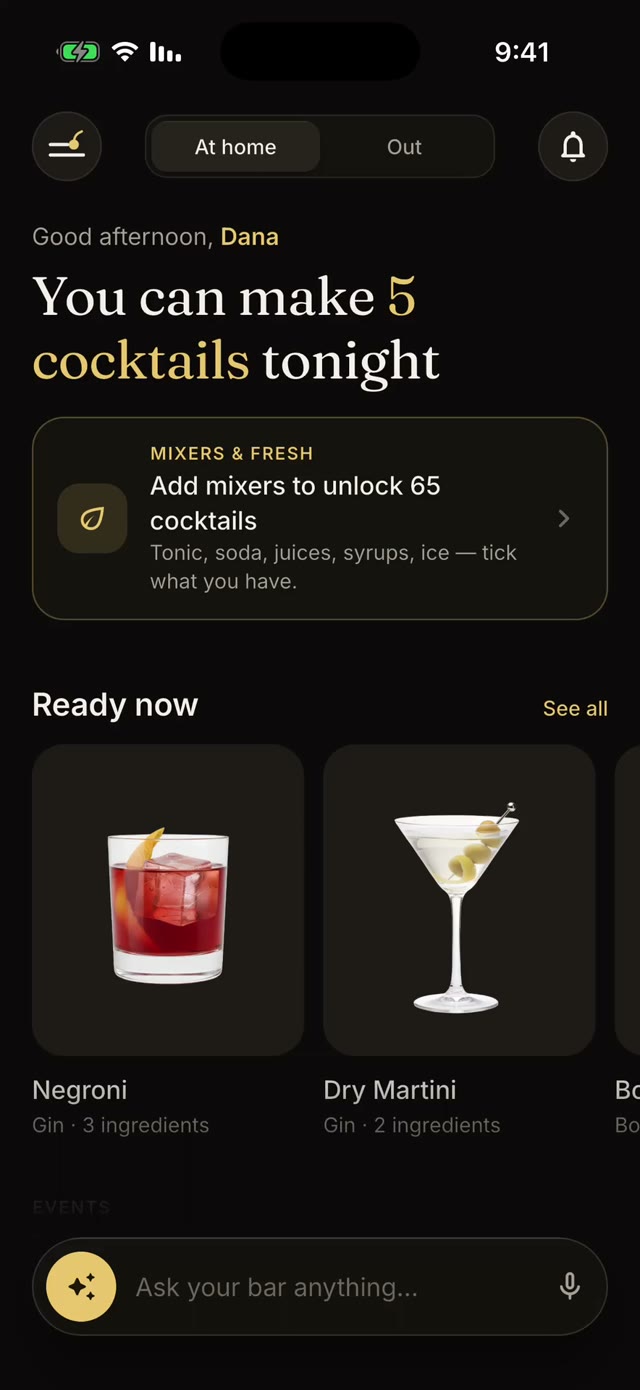
The free Solo app shows your guests every cocktail their own bottles can make and walks them through it, step by step. And at any bar that runs SmartBarIQ, they order ahead from it.
Walkthrough
Tell us about your restaurant. We come back within one business day to walk through your menu, your bar and your price.
Or email info@smartbariq.com · we reply within one business day.