
 New order
Every pour the size you costed
The scale measures each pour as it is made, so the fortieth drink of the night is the one you priced — not a little more.
For hotels and resorts
Guests order from wherever they are, from a list of 500+ they narrow to the one that is theirs. Whoever is on shift is told, anyone can make it right, and it posts to the room through your own POS.
Book a walkthrough See what changes
01 · The list
A cocktail list is usually the fifteen drinks the bar can make without looking anything up — fewer at the pool bar, fewer still from room service. Not because guests want fifteen — because a list longer than the team's memory means drinks made wrong, or not at all.
15 cocktails — the ones the team knows by heart.
One dot, one cocktail. The full catalog is 500+; you choose which of them each outlet offers.
02 · Find yours
A long list is only a gift if nobody has to read all of it. On their phone, guests tap Help me choose: how strong, what they like, which spirit — and which one never. Try it.

01How strong?
02What do you like?
03Which spirit — or never which?
12 drinks to choose from
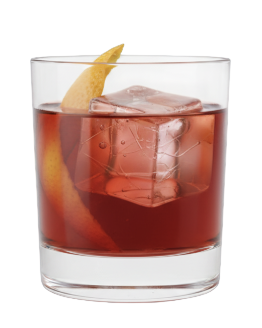 NegroniBitter · Strong
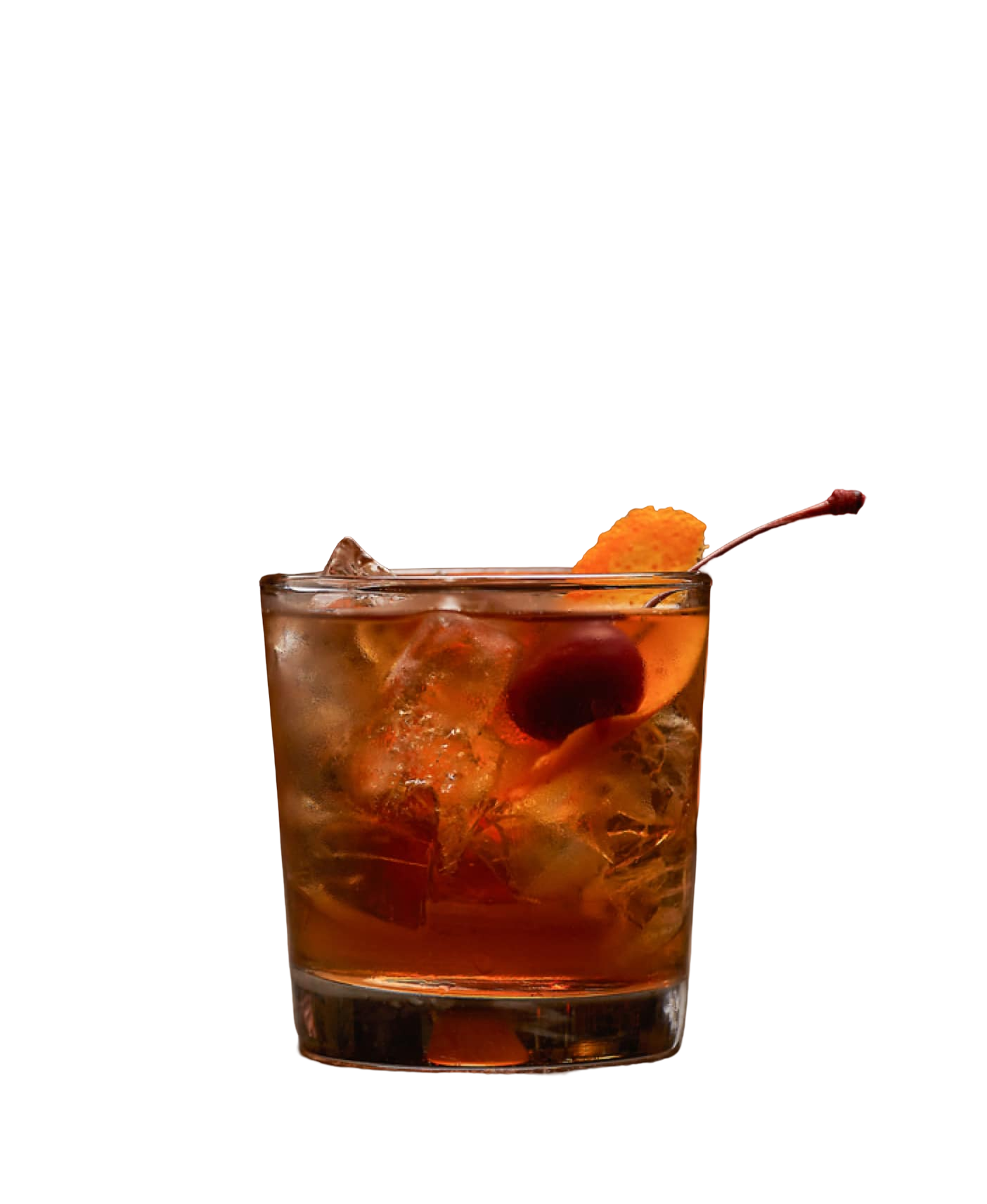 Old FashionedRich · Strong
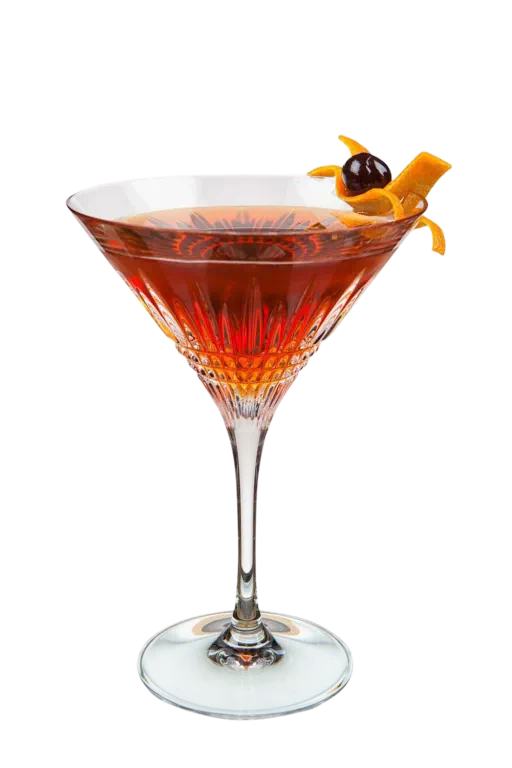 ManhattanBitter · Strong
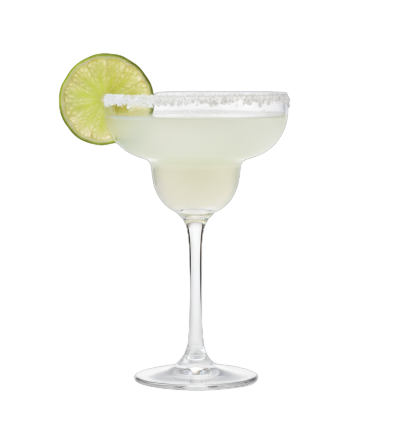 MargaritaCitrus · Medium
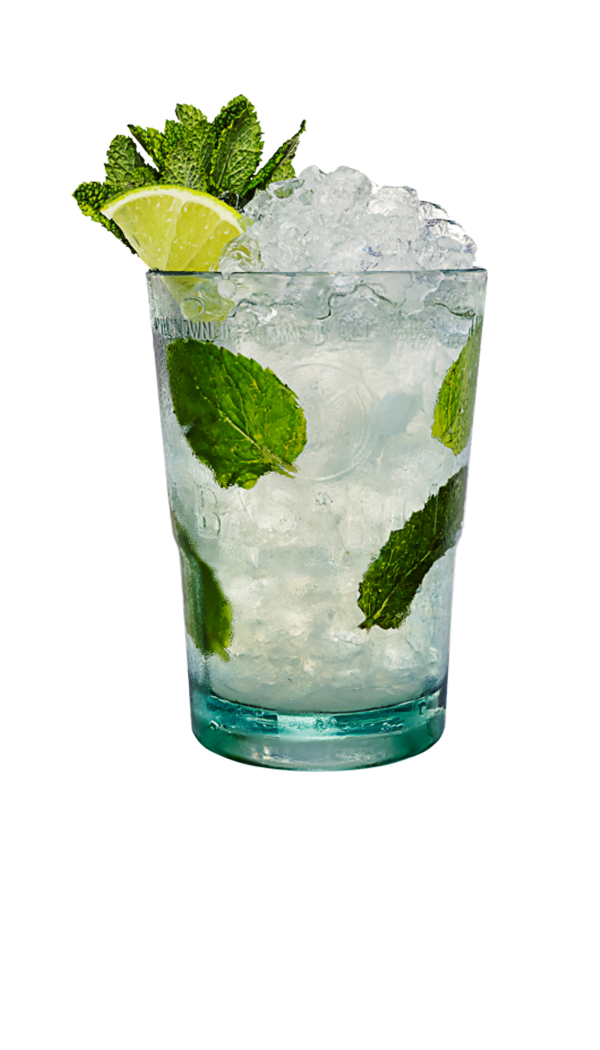 MojitoMint · Light
 DaiquiriCitrus · Medium
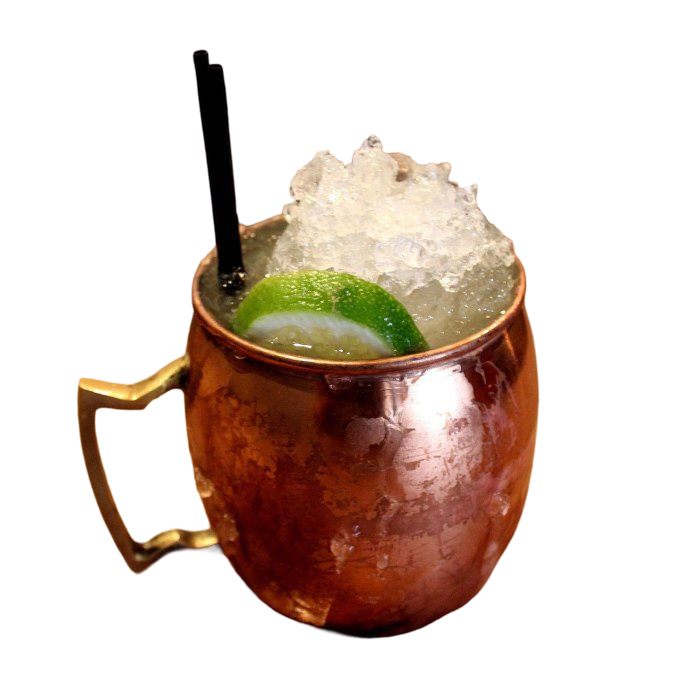 Moscow MuleGinger · Light
 Mint JulepMint · Strong
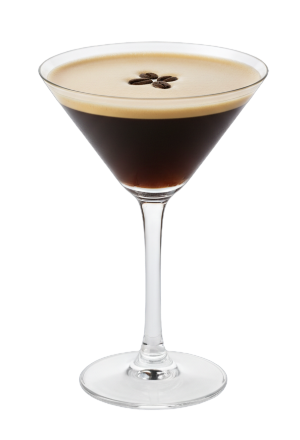 Espresso MartiniCoffee · Medium
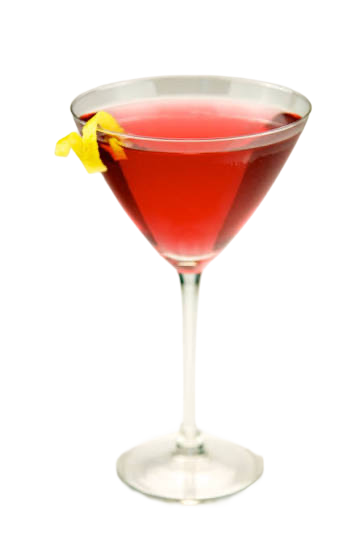 CosmopolitanTart · Medium
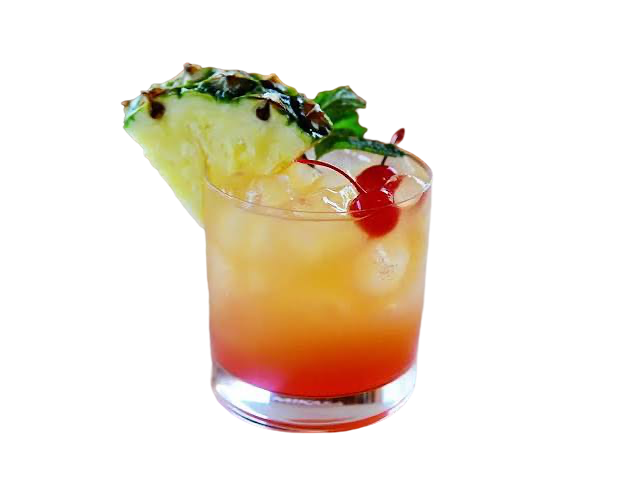 Mai TaiTropical · Medium
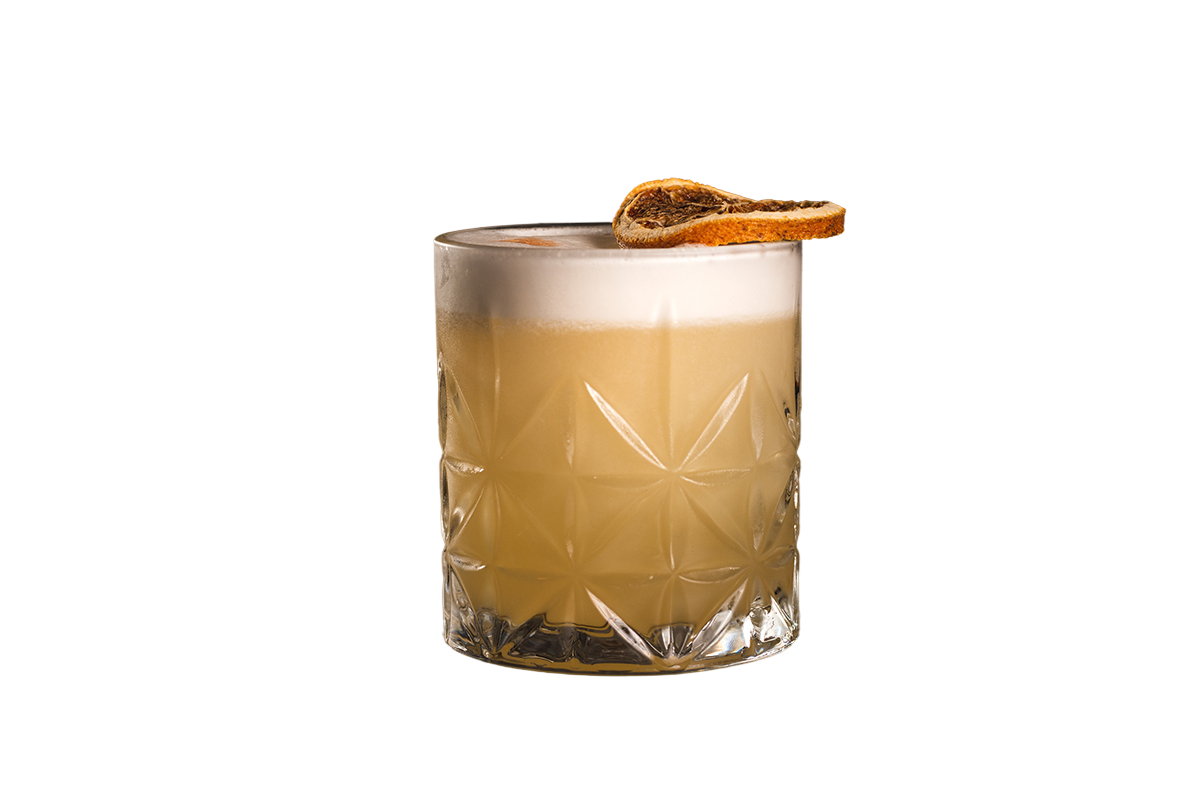 Whiskey SourTart · Medium
Twelve here to play with. On your menu it filters your whole list, in the guest's language — English, Spanish, French, German and more — and only shows what the bar can make right now.
03 · The order
Nobody has to walk to the bar or call down. The order prints at the bar, whoever is on is told, and the drink is charged to the room through your own POS.
04 · Who makes it
The screen shows the next step and the scale under the glass watches the pour. The list stops depending on who is working.
A server, between tables. Every step is on the screen and the scale says when to stop. They make the drink your bar manager signed off, not their best guess.
Simulation · Gin & Tonic
Full screenThe unit from the CAD model and the steps the screen runs today. Turn the unit in 3D
05 · The Staff app
The pool bar at three in the afternoon does not need a bartender behind it all day. It needs the right person told the moment someone orders — on their own phone, iPhone or Android.

06 · Every outlet
The lobby bar, the pool, the rooftop and room service open at different times and share neither a counter nor a team. They do share the menu, the recipes and the stock count — so the margarita at the pool at two is the margarita on the rooftop at ten. Tap an outlet.
3 of 4 open · one menu, one price list, one stock count. Each order knows which outlet it came from.
A guest only sees the outlets that can take an order now; a closed one says when it opens.
07 · The margin
Every pour at every outlet is measured as it is made and comes off the count as it is poured, so over-pour and waste are numbers you read through the month — not a surprise at stocktake.
The scale measures each pour as it is made, so the fortieth drink of the night is the one you priced — not a little more.
Every pour comes off the count as it is poured, in every outlet, so nobody is counting bottles at two in the morning.
It watches what is actually selling across the property and tells you what to buy before an outlet runs dry mid-service.
Illustrations, not figures from a customer.
Before you decide
Your systems
Your team
Your guests
Nothing to integrate and no IT project to schedule. SmartBarIQ runs beside the systems you already have, not instead of them.
Every order carries the outlet it came from and the room it belongs to. Your team posts it to the folio through your own POS and ticks it off, so nothing is reconciled from memory at closing.
The lobby bar, the pool, the rooftop and room service run one menu, one set of recipes and one stock position — however differently their hours fall — and every order knows which outlet it came from.
No plumbing, no install day. The unit sits on any counter: the lobby bar, the rooftop, right by the pool, an event or a pop-up.
It depends on how many outlets you run and how you serve them. We walk through the property, then send a price for it — no commitment to look.
When nobody is on shift or an outlet drops offline, ordering closes itself and tells the guest when it opens again. A guest who is told will wait; a guest who is charged and forgotten is lost.
The Staff app runs on iPhone and Android. They scan the venue's order-alerts QR once, sign in with their hotel user and PIN, and start a shift.
Who took the order, who ticked it into the POS and when, how long it waited and how long it took — per order, logged under the person signed in.
The recipe is on screen while they work and the scale shows the pour as it happens, so what someone serves on their first Saturday is what your head bartender signed off.
The menu opens in the browser. No app to download, no account, no email.
The phone is for choosing and ordering. The drink is posted to the guest's folio through your POS, the way a drink at the bar is today.
SmartBarIQ supports multiple languages, including English, Spanish, French and German, so an international guest can order without guessing at the menu.
The menu shows only what an outlet can make right now. As stock runs down, what can no longer be made comes off, instead of being ordered and apologised for — and it tells you what to buy before that happens.
A guest should see your bartender, your glassware and your property — never the system that got the drink to them.
Walkthrough
Tell us about your hotel. We come back within one business day to walk through your outlets, your menu and your price.
Or email info@smartbariq.com · we reply within one business day.